
Women In AI | Boulder, CO

Our Signal
What is your relationship with technology? Do you fear it? Loathe it? Long for it? Feel addicted to it?
Do you have a perpetual sense of cognitive dissonance using the technology our daily lives now revolves around? You know certain aspects of the devices, platforms and algorithms you use throughout the day are toxic and invasive, designed to extract value from you as a human and transfer it to the billionaire class. Yet, your real connections to humans or causes you care about are built upon this toxic quicksand.
Sometimes the resistance is difficult to quantify, more of a feeling that dwells in the back of your mind as you hit “Submit” and shrug off the whisper of a warning. Other times your body has a visceral reaction you can pinpoint, sending your nervous system into a sympathetic response, preparing for fight or flight from an illusive enemy with no physical body to run from.
Our connection to our loved ones and our communities is also a massive tracking device for the nefarious in our society — billionaires seeking to optimize every click and page view for ad spends and perpetuation of the consumption economy by leveraging surveillance capitalism’s ultimate manifestation or governments wishing to keep a population polarized and in a perpetual state of fear.
But what if we just opt-out?
We have agency. We still have autonomy. We can still seek alignment.
For now, we are still sovereign citizens with the ability to choose how, when and WHY we use the tech that powers our lives. And if you’re a GenX like me, you have a point of reference to our analog childhood. We know the before times. We long to return to that simplicity.
What I’m proposing here is that we openly and deliberately choose how we use technology, in each and every instance. We, as sovereign humans, have the ability to determine our relationship with technology.
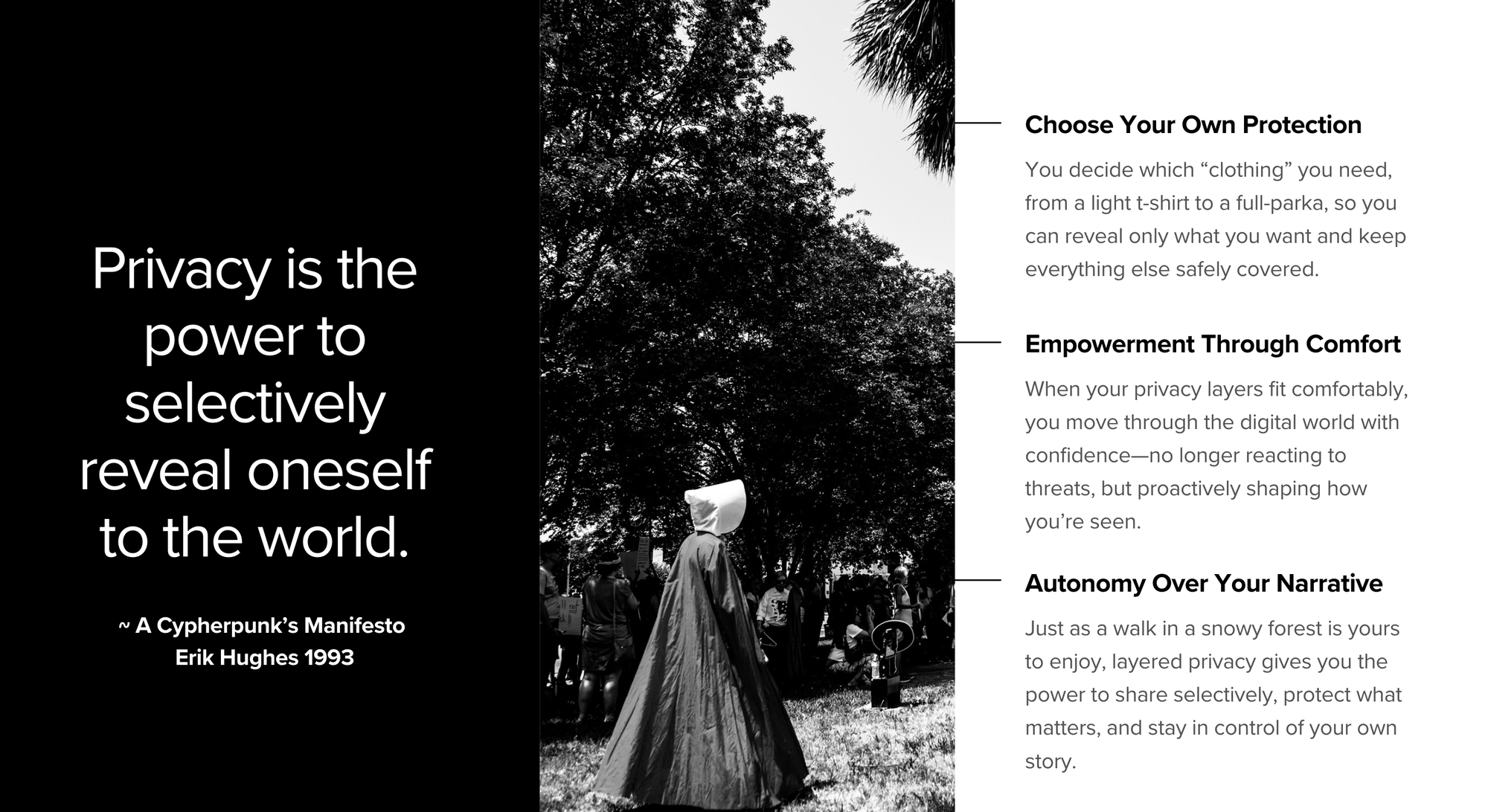
Embracing Right Relationship with Technology
It’s simple in theory, difficult in practice. But nothing I’m advocating for here is out of our reach. If we learn, practice and begin mindfully using our tech stack in alignment with who we are and what we wish to achieve with our limited time on this planet, we can reframe our technology use to empowerment— not extraction.
Our first exercise is one of finding alignment. Play some calming music, grab a fresh cup of tea/coffee, light a candle and get to brainstorming.
Step One: Define and own your core mission.
- Your WHY. We all use technology for different reasons.
- For some, technology just helps the day’s tasks get done with efficiency.
- For others, tech allows them to fulfill a mission greater than themselves.
- Take a few moments to freewrite about the core mission for spending time on screens, laptops, platforms and protocols.
- What mission does your AI use serve? Personal, professional, artistic, support, efficiency, etc.
- Define it and Own it.
Step Two: What does your current privacy hygiene look like?
- Are you spewing digital exhaust (personal data leakage) all over the interwebs and on every public WiFi your devices connect to?
- Or do you have a protective layers around your devices?
- Is your browser up to date? Your operating system? Your phone and/or tablet?
- Do you protect your digital privacy or do you give your personal data out freely to apps, coupons, VIP programs, etc?
- Is your wifi on your phone live right now? Are you connected to this public wifi without a VPN?
- When was the last time you thought about your privacy practices and did an analysis of your risk level and vulnerabilities?
- Rate yourself using a number from 1-10. One being a total privacy newbie and ten being Mr. Robot after 10 pm.
Step Three: What’s your risk factor?
- Does your work put you at risk given the current political climate or do you work in a high sensitive/high risk environment?
- Does anyone in your inner circle fall into those perimeters?
- Do your social, religious or political beliefs put you at risk for scrutiny?
Step Four: Do you have physical reactions to certain tech?
- How do you feel when you open your work inbox? Your work Slack? Your brand's Instagram or Linkedin?
- What story is playing your mind as you open these apps? Does your heart race? Do you feel reluctance? Do you end up mindlessly scrolling your timelines instead?
- Do you keep your work and your personal lives on separate devices?
Step Five: Do certain aspects of technology scare you?
- How does your nervous system react when you engage with this tech?
- Do your shoulders tense?
- Does your stomach turn?
- Does a quick scroll turn into an hour of doomscrolling leaving your nerves on a hair trigger and reaching for the bag of potato chips?
Step Six: Are any current aspects of your digital practice blocking your core mission from fully manifesting?
- Are there certain technologies you aren't using now because of fear or uncertainty that would help you manifest your mission with more ease or efficiency?
- Are you afraid to use certain technologies because you don't understand the privacy measures necessary to use them safely?
- Do certain apps or websites cause a visceral reaction from your nervous system and thus prevents you from engaging with them for a program or project on a consistent basis?
After you’ve identified your mission and stated your current privacy hygiene, take a quick moment to explore your answers and note where you're out of alignment. Just make note of this friction if it exists.
Layers of Comfort
In order to step fully into Right Relationship with Technology, we need to put layers of protection in place that keep us in alignment with the missions we stated in the previous section.
Our privacy measures protect our abilities to move fluidly throughout the necessary tech tools for our mission without violating our autonomy and giving our powers (and mental wellbeing) over to an algorithm built and controlled through black boxes.
But how do we even get started on the privacy front so you can move into a more aligned relationship with our tech? I created the Layers of Comfort to help us begin to create an accessible and easy methodology for our privacy practices. The concept is simple, your “privacy wardrobe” should reflect the weather of the situation you’re encountering to fulfill your mission, or just to achieve a goal with tech.
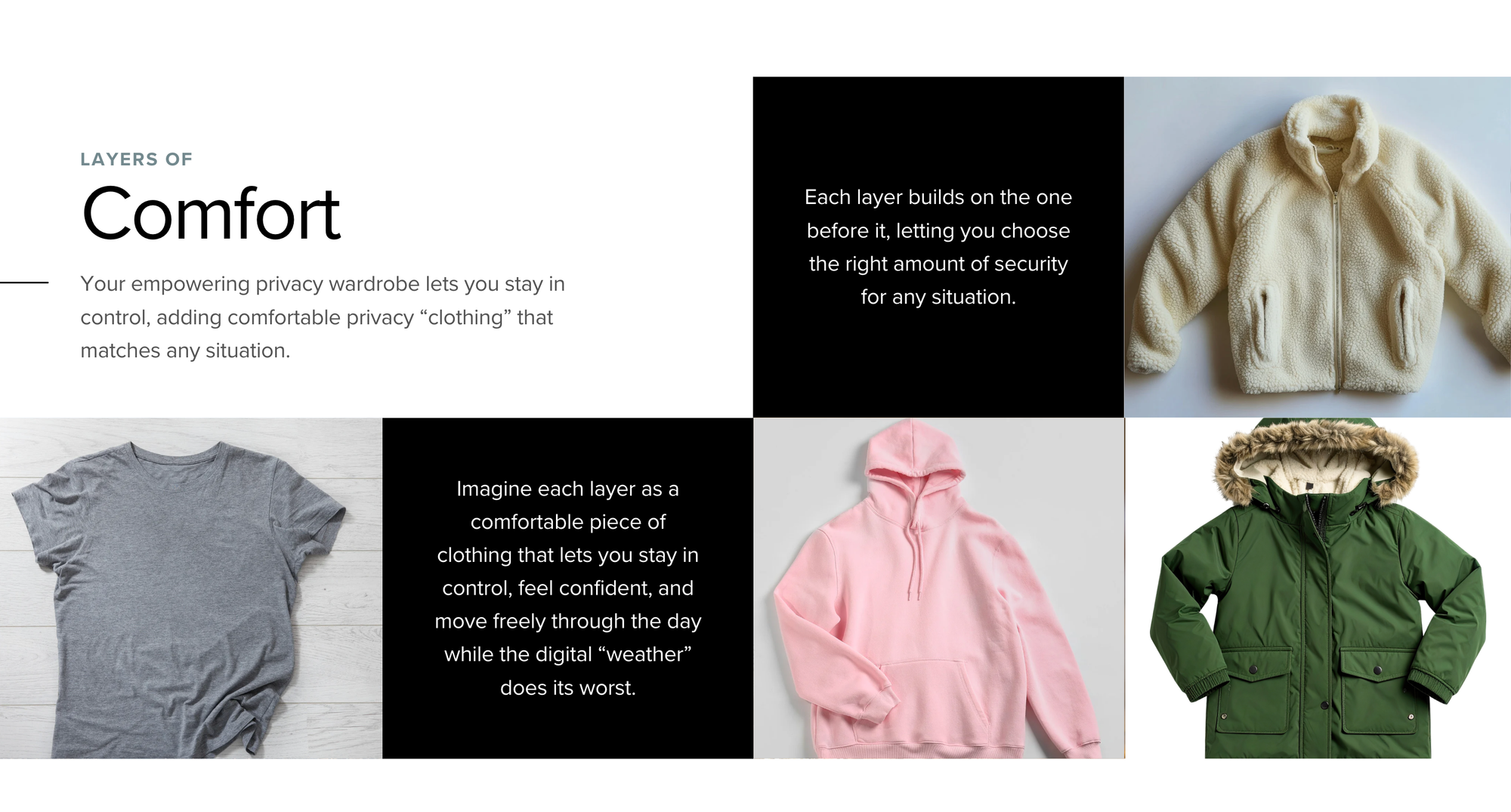
We all have different spectrums of privacy wardrobe needs. Our needs will also change over time or with certain situations we encounter. Here's two simple examples of the varying scope of comforts needed by women in different situations.
- Example #1: A stay at home mom who uses technology for volunteering at school, coordinating kid’s activities and sharing moments with loved ones via the smart phone. Her main concern, from a privacy perspective should be protecting her family and the children she works with through volunteer work, including how to safely share images of children's activities on socials, keeping personal information and photos out of black box AI and using strong password managers.
- Example #2: A community organizer for immigration or LGBTQ+ populations (or any demographic being targeted by the government). She needs to take deeper privacy measure to protect every contact in her phone, email and social media accounts on a consistent, if not daily, basis. Her actions need to be more calculated and privacy must lead her technology choices.
For Example #1, a T-Shirt will suffice for most days. But let’s say this mom’s tween daughter wants to participate in a local No Kings protest. Since this mom already has a solid basic practice, and has explored what’s necessary to protect herself in various situations, she knows it’s time to put on her hoodie and lock down her privacy a bit tighter for the protest. She can do the steps in the “hoodie” Layer of Comfort, or simply leave her mobile devices at home for the day and wear a hat, glasses and face mask to protect from facial recognition.
Our mom took the proper precautions and was able to both protect her family and also share a powerful day of resistance with her daughter, knowing she was doing so from a place of empowerment. She was in Right Relationship with her technology and knew her actions helped fulfill her mission of supporting her daughter's education and expanding viewpoints of the world.
Let’s say our mom invites her neighbor to come to the next protest. The neighbor is a college professor who was just placed on the Turning Point black list because a student did not agree with her recent lecture on identity politics and submitted her name for surveillance. The neighbor is also aware of her current Layer of Comfort (the fleece jacket) but knows she can’t put on a weatherproof parka on short notice and doesn’t want to put her friends, family or her career in deeper jeopardy, so she decides not to attend.
She made an informed decision based on her risk and her mission. Instead of the direct action of protesting, she spends the afternoon working on her upcoming essay about resistance in higher education during a time of political peril and the weaponization of technology and identity.
Both the decision to participate in direct action, or not, were made from a place of power and sovereignty because each woman understood her deeper mission and her existing privacy footprint and resources. Fear was not part of the conversation, deliberate and mindful action was the driving factor.
Those are both examples of Right Relationship with Technology. And there are hundreds of decisions we make on a weekly basis (or more) where we must choose HOW we are using technology to further our goals in life; personal, professional or societal.
Taking Action
Now we shift into the Seeds portion of our time together. Here are the 4 Layers of Comfort to begin working with, including Key Practices and How Tos for each layer. Please keep in mind this is an ongoing practice and perfection is not truly attainable in digital landscapes like 2025. But what we're aiming for here is empowerment through knowledge and transmuting anxiety into power through action.
Your relationship with technology will always grow and evolve with your own mission-driven work, whatever that means to you. Keeping our intentions and our technology in alignment requires a practice of self awareness and ongoing check ins as tech and missions change.
I've included links below to products I've used for years and some that are highly recommended by sources I trust. I'm also a Proton Partner, so links to their products do include affiliate tracking. Please right-click for a "clean link" option to avoid affiliates. The affiliate links help me keep the lights on. I've been a paying business customer of Proton for 9+ years and I love their services.
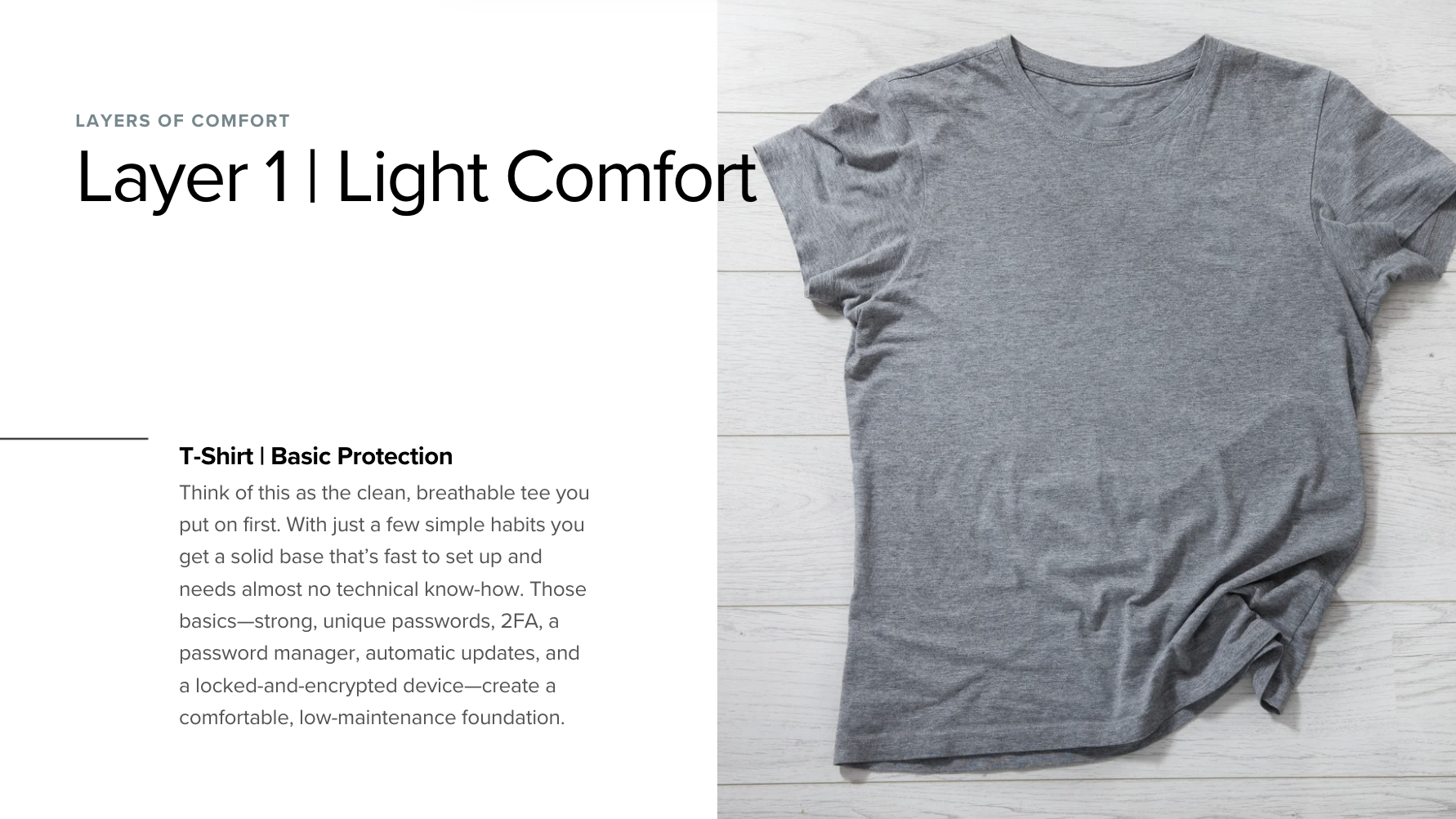
Layer 1 – Light Comfort | T-Shirt (basic protection)
These five items together give participants a solid “light‑comfort” foundation—just like putting on a clean, breathable t‑shirt before adding any outer layers. They’re quick to implement, require minimal technical overhead, and lay the groundwork for the more advanced “warmth” and “insulation” layers that follow.
Key Practices:
- Use a strong, unique password for every account.
- Enable two‑factor authentication (2FA) on your primary email.
- Store passwords in a reputable password manager.
- Keep software, browsers, and apps automatically updated.
- Set a screen lock and enable full‑disk encryption on all devices.
How to Implement:
- Choose a password manager (e.g., 1Password, Proton Pass).
- Turn on auto‑updates in OS settings.
- Activate device encryption (BitLocker, FileVault (Mac), Android/iOS encryption).
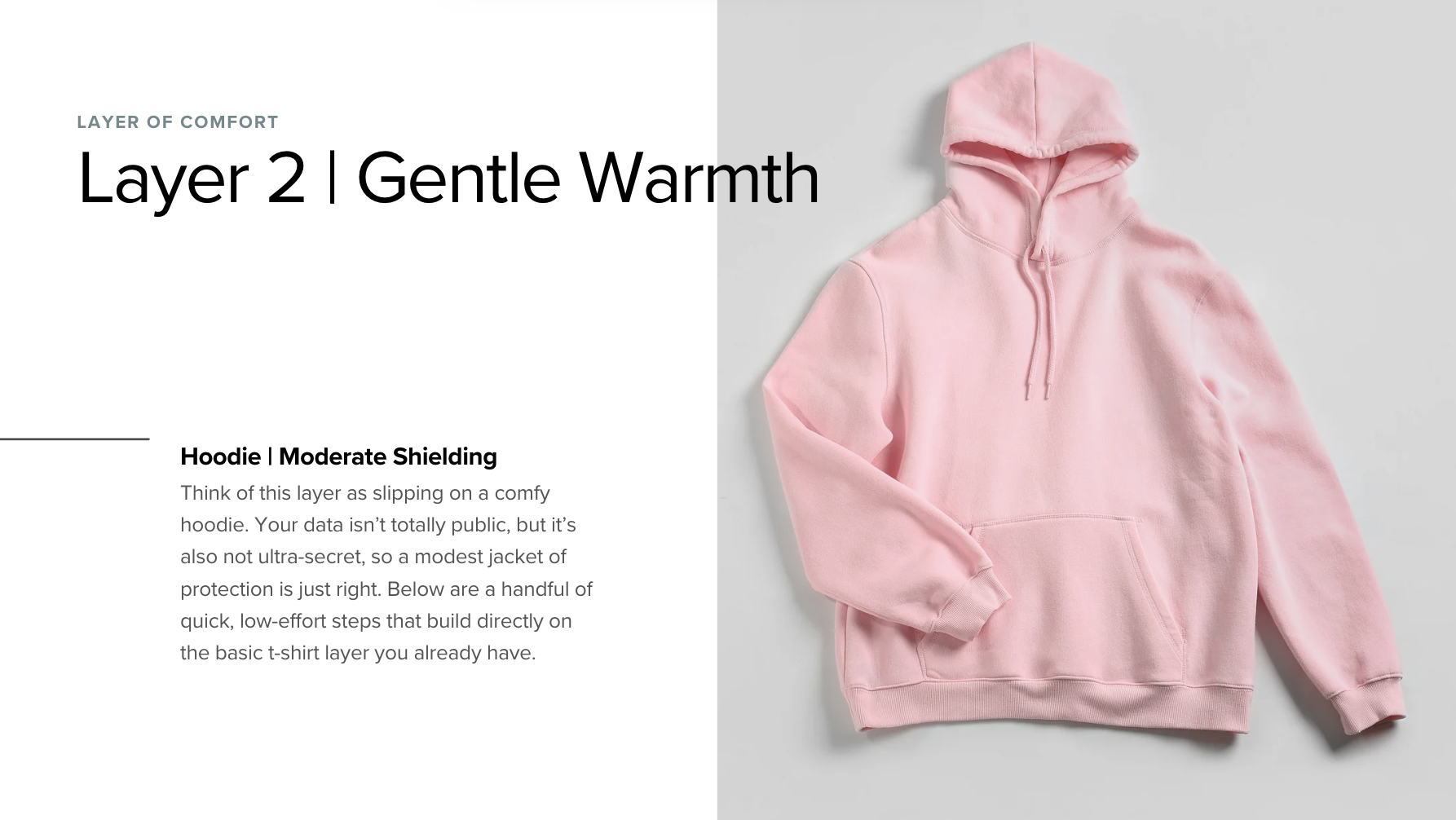
Layer 2 – Gentle Warmth | Hoodie (moderate shielding)
Add a modest “jacket” of protection for data that isn’t public but also isn’t ultra‑sensitive. Each recommendation is easy to adopt and builds directly on the Layer 1 foundation.
Key Practices:
- Use a separate email address for newsletters, sign‑ups, and non‑essential services.
- Set social‑media profiles to “Friends only” (or equivalent).
- Browse casually in private/incognito mode.
- Disable location services for apps that don’t need them.
- Install an ad‑/tracker blocker (e.g., uBlock Origin, Privacy Badger).
How To Implement:
- Create a dedicated inbox using Proton free or paid email: (e.g.,
yourname‑[email protected]). - Review privacy settings on each social media platform (scan their Privacy page through Lumo AI for overviews and prompt to point out privacy violations).
- Enable private browsing windows for quick look‑ups.
- Turn off global location permissions in all mobile device settings.
- Add a tracker‑blocking extension to your browser. UBlock Origin, Privacy Badger by EFF.org, Ghostery
Remember: Layer 2 isn’t about eliminating all risk—it’s about adding a comfortable, low‑effort “jacket” that makes everyday digital life a bit warmer and safer, just as you’d pull on a hoodie before stepping out into a breezy afternoon.
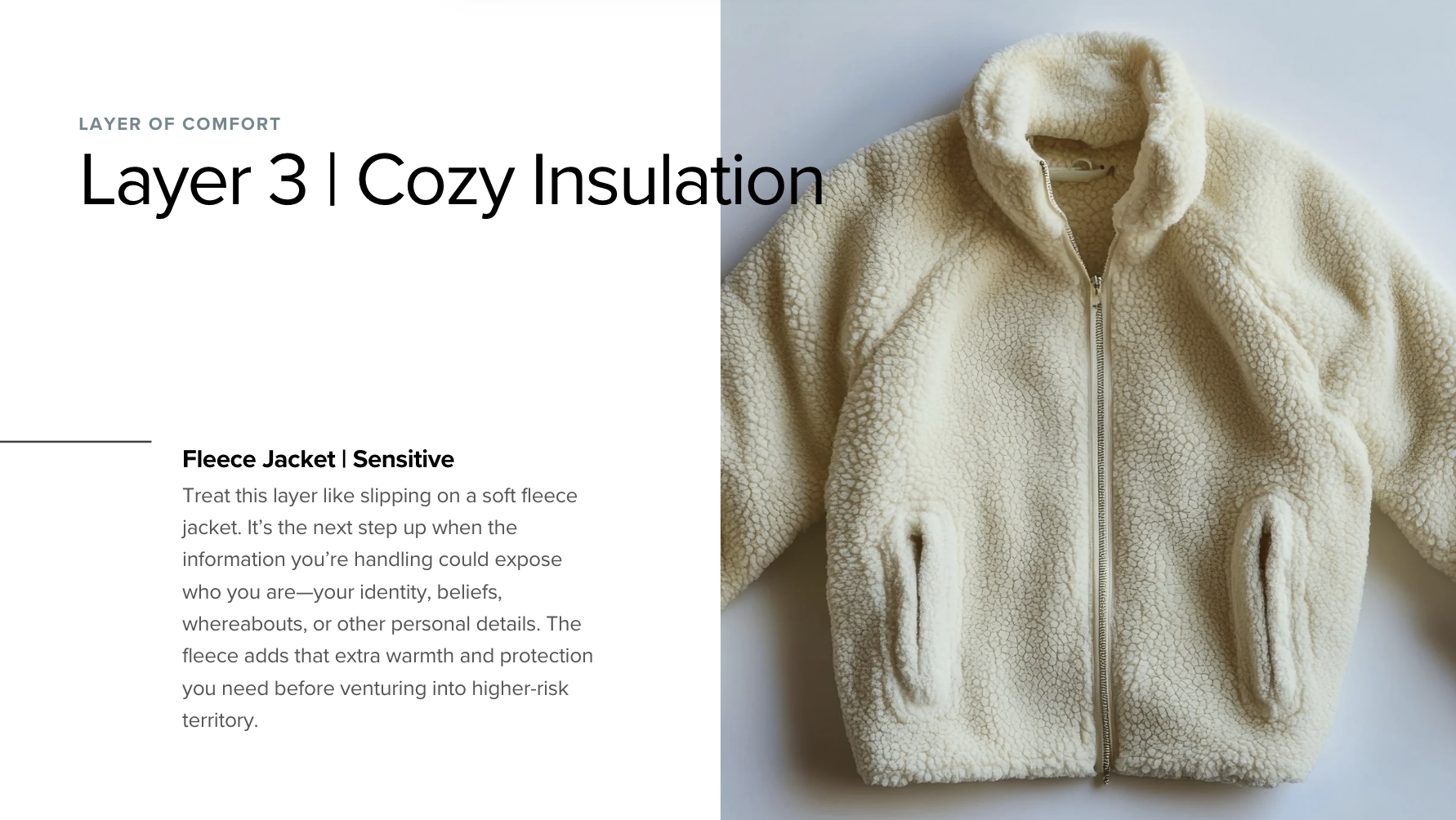
Layer 3 – Cozy Insulation (Sensitive)
Add a “fleece jacket” of protection for data that could reveal your identity, beliefs, location, or other personal details. Each item is practical for a mixed‑skill audience and builds naturally on the Layer 2 “jacket” you already have.
Treat this layer like slipping on a soft fleece jacket. It’s the next step up when the information you’re handling could expose who you are—your identity, beliefs, whereabouts, or other personal details. The fleece adds that extra warmth and protection you need before venturing into higher‑risk territory.
If you're moving into the fleece jacket layer, I highly recommend spending time with EFF.Org's many resources as well as IntelTechniques.com (Extreme Privacy Book is a must-have resource if you find yourself in Layer 3 and wanting deeper resources).
Key Practices
- Activate a VPN whenever you are on public or untrusted Wi‑Fi.
- Communicate only through end‑to‑end encrypted messengers or email.
- Route DNS queries through a secure resolver (DoH or DoT).
- Use a hardware security key or a password‑manager‑generated passkey for two‑factor authentication.
- Encrypt the entire storage of every device you use (full‑disk encryption).
- Enable a VPN “kill‑switch” so traffic stops if the tunnel drops.
- Separate high‑risk and low‑risk activities onto different devices or isolated virtual machines.
How to Implement
- VPN on Public Wi‑Fi
- Install a trusted VPN client (e.g., Proton VPN).
- Before connecting to a coffee‑shop or airport network, launch the VPN and keep it active for the whole session.
- End‑to‑End Encrypted Messaging
- Download Signal, or set up Proton Mail.
- Verify safety numbers or contact keys with each correspondent the first time you chat.
- Secure DNS (DoH/DoT)
- On desktop: go to network settings → DNS → custom → enter
1.1.1.1(Cloudflare DoH) or9.9.9.9(Quad9 DoT). - On mobile: enable “Secure DNS” in the system settings and input the same resolver addresses.
- On desktop: go to network settings → DNS → custom → enter
- Hardware Security Key / Passkey
- Purchase a YubiKey or Apple Security Key.
- Register the key in the security settings of each critical account (Gmail, Proton Mail, etc.).
- For services that support WebAuthn, enable the “passkey” option in the account’s 2FA menu.
- Full‑Disk Encryption
- Windows: open BitLocker → turn on for the system drive.
- macOS: open System Preferences → Security & Privacy → FileVault → turn on.
- Android/iOS: enable device encryption in the security settings (usually on by default on recent OS versions).
- VPN Kill‑Switch
- In the VPN client’s preferences, locate the “Kill‑Switch” or “Network Lock” option and toggle it on.
- Test it by briefly disabling the VPN connection; internet traffic should cease until the VPN reconnects.
- Device / VM Isolation
- Designate a spare phone, tablet, or a lightweight virtual machine (e.g., Ubuntu in VirtualBox) for any activist, whistleblowing, or otherwise high‑risk work.
- Install only the tools needed for that work; keep the VM or secondary device offline when not in use.
- Never log into personal or low‑risk accounts from the isolated environment.
Bottom line: By layering a fleece jacket of encryption, secure networking, and device hardening, participants dramatically reduce the chance that their sensitive communications or personal data become visible to prying eyes—while still keeping the setup manageable for everyday use.

Layer 4 – The Parka (Critical)
Think of this as pulling on a heavy-duty parka before heading into a storm. When your work could put you in the cross‑hairs—activism, whistleblowing, or handling someone else’s sensitive data—you need the most robust, layered protection possible. This “parka” bundles together the strongest tools and habits so you stay safe even under serious personal, professional, or legal pressure.
Please note that if you need a weatherproof parka, you also need to work with professionals and source your information from multiple avenues. Please refer to sites like EFF.Org & IntelTechniques.Com
Key Practices
- Route all high‑risk traffic through Tor or a privacy‑focused browser that integrates Tor.
- Conduct all sensitive work on a dedicated device or an isolated virtual machine that never syncs with personal accounts.
- Perform a regular “digital spring cleaning” to minimize data collection: delete old files, clear caches, revoke unused permissions, and turn off location services.
- Store the most sensitive documents on air‑gapped, encrypted removable media that never connects to the internet.
- Strip metadata from any outgoing communication or file (emails, photos, documents).
- Use passkey (WebAuthn) authentication wherever the service supports it, replacing passwords.
- Employ a burner email address and a disposable phone number for one‑off contacts or outreach.
- Enable a VPN kill‑switch and configure the VPN client to start automatically (“always‑on”) on the dedicated device.
- Protect the physical device with tamper‑evident seals and a strong lock‑screen (long alphanumeric PIN plus biometric).
How to Implement
1. Tor / privacy‑focused browser
- Download the official Tor Browser from the Tor Project and use it for any activity that could expose your identity.
- If you prefer Brave, enable the built‑in Tor tab and open all sensitive sites inside that tab. (I've used Brave for years and "trust" it, also runs on Chromium so it plays nice with Google integrations)
- Keep the browser updated and avoid logging into personal accounts while using Tor.
2. Dedicated device or isolated VM
- Acquire a spare smartphone or a low‑cost laptop that will be used exclusively for high‑risk work.
- Alternatively, create a lightweight virtual machine (e.g., Ubuntu in VirtualBox) that never shares folders or clipboard with the host.
- Install only the tools you need for the task (Tor, encrypted email, secure file‑transfer utilities) and keep the OS hardened (disable unnecessary services, enable firewall).
- This is a good opportunity to learn Linux (open source operating system). It can be installed on old or cheap laptops and runs great. Youtube or your local hacker/maker space are great resources to begin learning open source OS.
3. Minimal data collection – regular purge
- Set a recurring calendar reminder (monthly) titled “Digital Spring Cleaning.”
- During the session: delete old downloads, clear browser history and cache, remove unused apps, and revoke OAuth permissions from Google, Facebook, etc.
- Globally disable location services on the device (iOS Settings → Privacy → Location Services → toggle off; Android Settings → Location → toggle off).
4. Air‑gapped storage
- Purchase an encrypted USB drive (e.g., Kingston IronKey or a VeraCrypt‑encrypted flash stick).
- Store whistleblower documents, encryption keys, or any material that, if exposed, would cause severe harm.
- Keep the drive physically separated from any network‑connected device; only plug it into a clean, offline computer when you need to read or edit the files.
5. Metadata stripping
- For emails, use Proton Mail’s “metadata‑free” compose mode or sign messages with GPG.
- For photos, run an EXIF removal tool (e.g., ExifTool:
exiftool -all= image.jpg). - For office documents, use the “Inspect Document” feature in Microsoft Office or LibreOffice to remove hidden properties before sharing.
6. Passkey authentication
- In each supported service (Google, Microsoft, Proton, etc.), go to the security or 2FA settings and enable “Passkey” or “WebAuthn.”
- Follow the on‑screen prompts to register your device’s built‑in biometric authenticator or a hardware security key as the primary credential.
7. Burner email & disposable phone
- Create a temporary Proton Mail address (e.g.,
temp‑[email protected]). - Obtain a prepaid SIM card that is not linked to your personal identity, or use a service like Google Voice with a brand‑new Google account.
- Use these credentials only for the initial outreach; once the conversation moves to a secure channel, transition to your encrypted primary accounts.
8. VPN kill‑switch & always‑on
- Install Proton VPN (or another trusted provider) on the dedicated device.
- In the client settings, enable the “Kill‑Switch” (sometimes called “Network Lock”).
- Set the app to launch automatically on boot and to reconnect immediately if the connection drops. Test by disabling the VPN manually; internet traffic should stop until the VPN re‑establishes.
9. Physical tamper‑evidence & lock screen
- Apply a tamper‑evident sticker or seal to the device chassis; any attempt to open the device will break the seal and be noticeable.
- Configure a strong lock screen: a minimum 12‑character alphanumeric PIN combined with biometric authentication (fingerprint or facial recognition).
- Periodically inspect the seal and change the PIN if you suspect it may have been compromised.
- Use a Faraday cage for your mobile devices when leaving the house.
By systematically applying these practices, you create a full‑body “parka” of digital defense—making it exceedingly difficult for any adversary to trace, intercept, or compromise your high‑risk activities while preserving the freedom to use technology purposefully.